
Gantt Chart Template
Plan project tasks, owners, start and finish dates, dependencies, status and completion while automatically visualizing scheduled work across a Gantt timeline.
Created by experienced project management professionals for practical, real-world project use.
$29.99 • Excel (.xlsx) • Editable • Download within 30 days of order confirmation
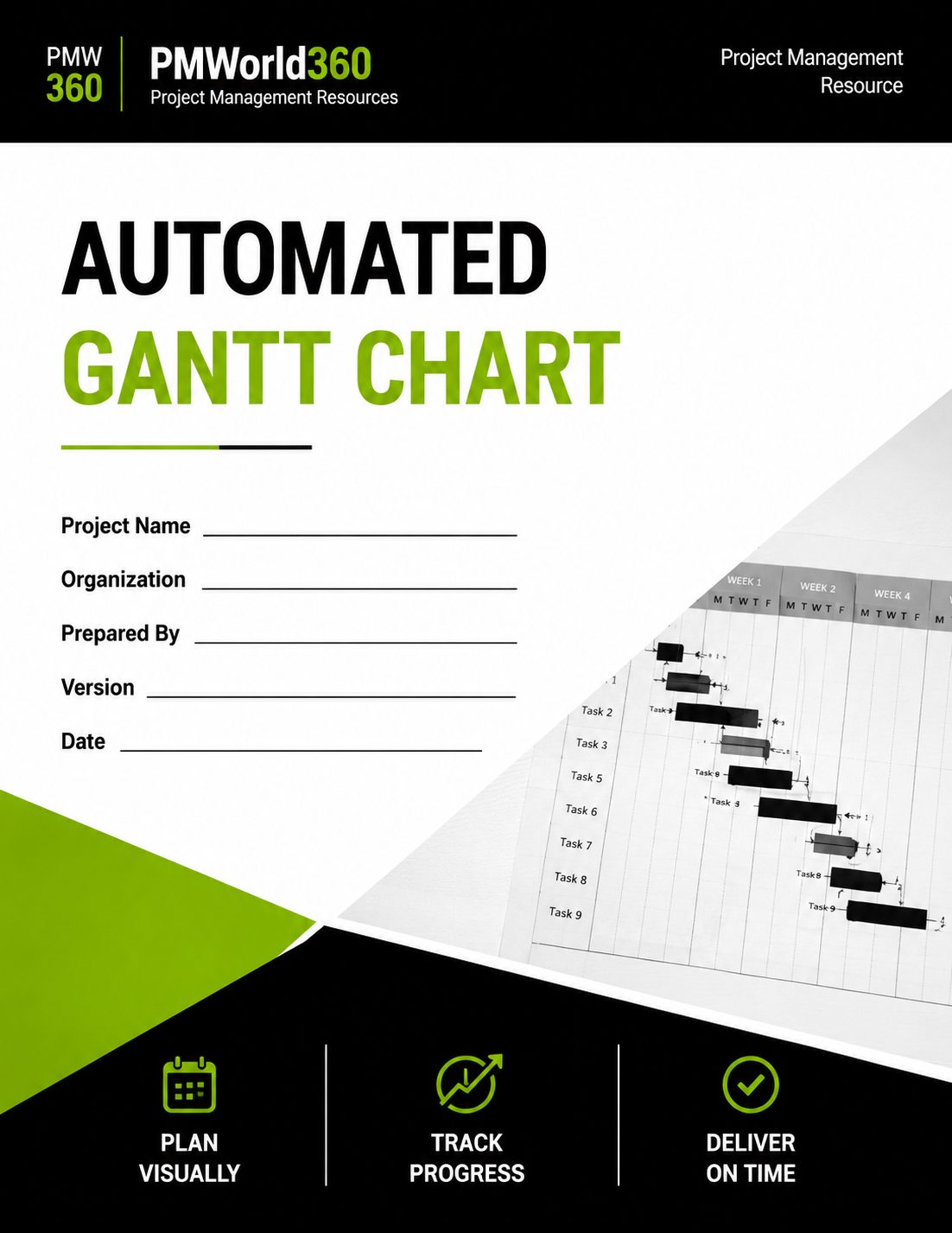
What's Included in the Gantt Chart Template?
Plan project tasks, owners, start and finish dates, dependencies, status and completion while automatically visualizing scheduled work across a Gantt timeline.
Task Register
Enter tasks, owners, start and finish dates.
Automatic Duration
Duration calculates from Start and Finish.
Visual Gantt Timeline
Bars highlight automatically based on dates.
Dependencies
Use predecessor WBS IDs for dependency task/status.
Status & Progress
Track Complete, At Risk, Delayed, In Progress, Not Started or On Hold plus % complete.
Dashboard
Summarize task status, progress and the next due task.
Built for Practical, Real-World Project Use
This PMWorld360 template is structured around the information project teams actually need to capture, review, communicate and control—not just a blank form.
Structured & Reusable
Use a consistent framework across projects.
Built for Accountability
Connect project information to ownership and follow-up.
Designed for Governance
Support reviews, decisions and stakeholder alignment.
Gantt Chart Example Snapshot
A short example shows the level of specificity the template is designed to capture.
| Template Element | Example Entry |
|---|---|
| Task | Configure reporting workflow |
| Owner | Business Systems Lead |
| Start | Aug 31 |
| Finish | Sep 11 |
| Predecessor | WBS 1.2 |
What Is a Gantt Chart?
A Gantt chart is a project scheduling tool that displays tasks against time so teams can see when work starts, finishes and overlaps.
When Should You Use This Template?
Schedule Planning
Turn work into dated activities.
Dependency Management
Show predecessor relationships.
Execution Tracking
Update progress and status.
Milestone Reviews
See upcoming timing.
Status Reporting
Support project updates.
Recovery Planning
Communicate a revised timeline.
Who Is This Template For?
Project Managers
Build and track the schedule.
Schedulers
Structure dates and dependencies.
Workstream Leads
Maintain task status.
PMO Teams
Use consistent scheduling.
What Should a Gantt Chart Include?
Task / WBS ID
Task reference and description.
Owner
Responsible person/team.
Start / Finish
Scheduled task dates.
Duration
Automatically calculated.
Predecessor
Upstream WBS/task reference.
Status / % Complete
Current progress and schedule condition.
Gantt Chart Fields Explained
These are the core information areas represented in this PMWorld360 template.
| Field / Section | What You Record | Purpose |
|---|---|---|
| Task / WBS ID | Task reference and description. | Supports consistent project use and decision-making. |
| Owner | Responsible person/team. | Supports consistent project use and decision-making. |
| Start / Finish | Scheduled task dates. | Supports consistent project use and decision-making. |
| Duration | Automatically calculated. | Supports consistent project use and decision-making. |
| Predecessor | Upstream WBS/task reference. | Supports consistent project use and decision-making. |
| Status / % Complete | Current progress and schedule condition. | Supports consistent project use and decision-making. |
How to Use the Gantt Chart Template
Complete the template using current project information, review it with the people accountable for the work, and keep it updated whenever approved project information changes.
Set the Project Start
Enter the project start date.
Add Tasks and Owners
Create work items and accountability.
Enter Start and Finish Dates
Duration calculates automatically.
Add Predecessors
Reference upstream WBS IDs.
Update Status and % Complete
Maintain execution information.
Review the Gantt Timeline
Use automatic bars to see work.
Use the Dashboard
Review status, progress and next due task.
Gantt Chart Best Practices
Use approved scope/work packages.
Do not create artificial links.
Reflect actual delivery.
Copy week headers and conditional formatting consistently.
Common Gantt Chart Mistakes to Avoid
Schedule commitments need accountability.
Sequencing matters.
Update progress based on actual work.
The schedule should reflect reality.
Gantt Chart Template Format and Download
The product is provided as an editable Excel (.xlsx) file designed for practical project-management use.
| Template Feature | Included |
|---|---|
| Editable file | Excel (.xlsx) |
| PMWorld360 professional structure | Yes |
| Reusable for future projects | Yes |
| Download access after purchase | Download within 30 days of order confirmation |
Get the Gantt Chart Template
Plan project tasks, owners, start and finish dates, dependencies, status and completion while automatically visualizing scheduled work across a Gantt timeline.
$29.99Related Project Management Templates
WBS Template
Decompose scope into deliverables and work packages.
Project Management Plan Template
Govern scope, schedule, cost, risk, communications and change.
Project Status Report Template
Report health, milestones, risks, issues and decisions.
Risk Register Template
Identify, assess and manage project risks.
RAID Log Template
Track risks, assumptions, issues and dependencies.
More Tools & Resources for Project Managers
Learn How to Use the Gantt Chart
See how to complete the template correctly and use it as part of practical project planning, governance and delivery.
Read the Gantt Chart How-To GuideChoose the Gantt Chart or Full PM Toolkit
Template Kit Includes Top 10 Core PM Templates