
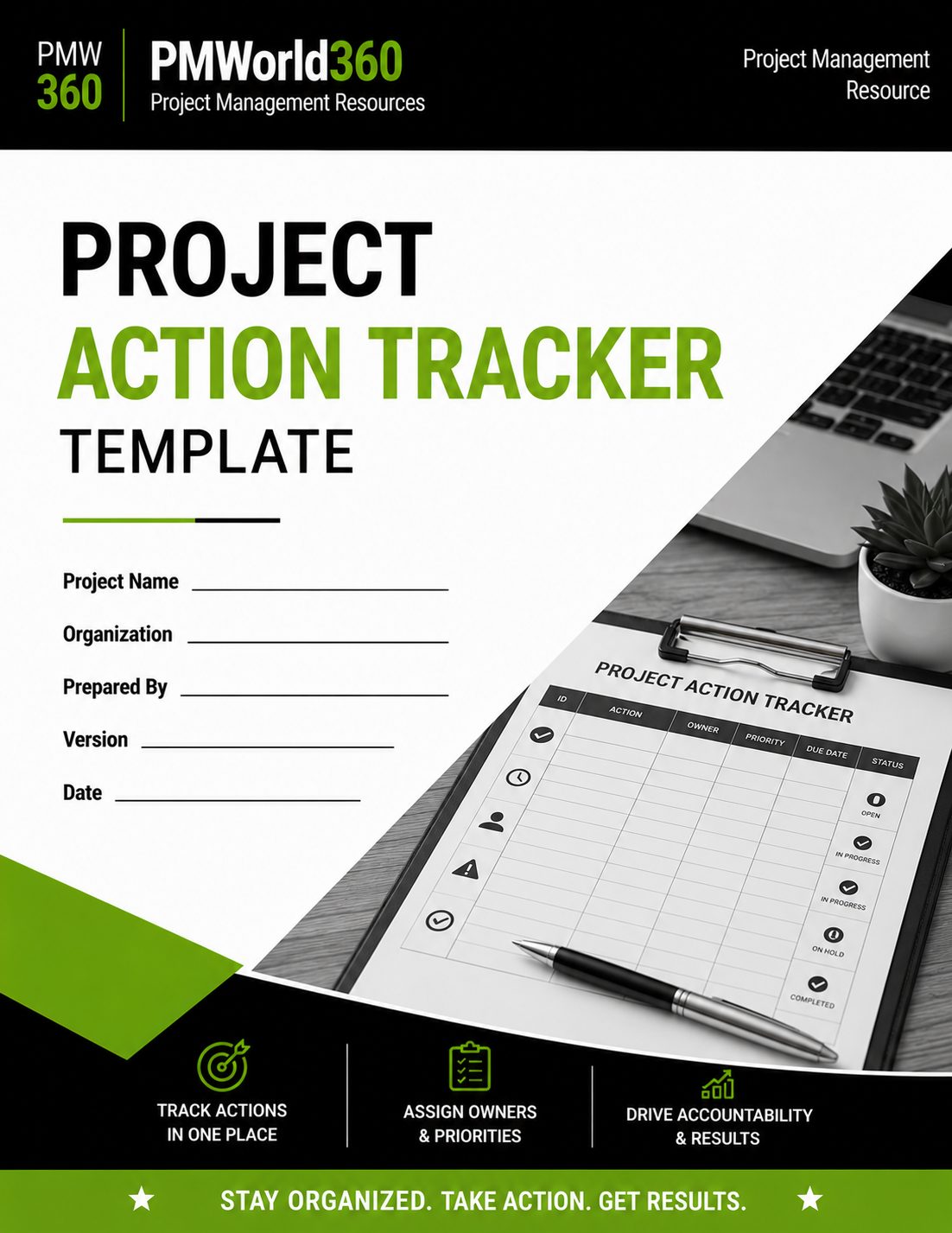
Project Action Tracker Template
Track project actions, owners, priorities, deadlines, blockers, progress and completion evidence in one structured Excel workbook.
Created by experienced project management professionals for teams that need reliable action ownership and follow-through from meetings through closure.
$19.99 • Excel (.xlsx) • Editable • Download within 30 days of order confirmation
What's Included in the Project Action Tracker Template?
Track project actions, owners, priorities, deadlines, blockers, progress and completion evidence in one structured Excel workbook.
Action Register
Track action ID, date raised, source, required outcome, owner, priority and due date.
Progress Tracking
Maintain status, percentage complete and current notes.
Dependencies & Blockers
Document anything preventing or affecting completion.
Resolution Evidence
Record completion evidence and closure date.
Standardized Controls
Use dropdowns for priority and status to improve reporting consistency.
Action Dashboard
See total, open, overdue and completed actions at a glance.
Built for Practical, Real-World Use
More than a meeting to-do list, the workbook preserves the source, owner, deadline, blocker, progress and evidence associated with every action while providing a dashboard for governance follow-up.
Structured and Reusable
Use a consistent framework across projects instead of rebuilding the document or tracker from scratch.
Designed for Accountability
Capture owners, decisions, evidence, dates or follow-up where the template's purpose requires them.
Built for Governance
Support project reviews, stakeholder alignment and traceable decisions with a professional working format.
Project Action Tracker Template Example Snapshot
A simple example shows the level of detail the template is designed to capture.
| Template Element | Example Entry |
|---|---|
| Source | Steering Committee |
| Action | Confirm vendor integration readiness |
| Owner | Technical Lead |
| Priority | High |
| Due date | 29 Aug 2026 |
| Status | In Progress |
What Is a Project Action Tracker?
A project action tracker is a centralized register used to record commitments, assign owners, set deadlines and monitor actions until they are completed or formally closed.
When Should You Use This Template?
Team Meetings
Capture commitments as decisions are made.
Steering Committees
Track executive actions and follow-up.
Status Reviews
Identify overdue or blocked actions.
RAID Reviews
Convert risks and issues into owned actions.
Client Meetings
Maintain visible commitments and deadlines.
Project Closeout
Confirm outstanding actions are resolved or transferred.
Who Is This Template For?
Project Managers
Maintain clear follow-up and accountability.
PMO Teams
Standardize action tracking and governance.
Team Leads
Monitor commitments across delivery teams.
Sponsors & Steering Groups
See overdue and unresolved actions quickly.
What Should This Template Include?
Action ID & Source
Unique reference plus date and originating meeting/source.
Required Outcome
The specific action or expected result.
Owner & Priority
Who is accountable and how urgently it should be handled.
Due Date & Status
Target completion date and current state.
% Complete & Blockers
Progress and anything preventing completion.
Evidence & Closure
Resolution evidence, closure date and notes.
How to Use the Project Action Tracker Template
Record the Action
Write a clear outcome, not a vague reminder.
Assign One Owner
Give one person accountability for completion.
Set Priority and Due Date
Make timing and urgency explicit.
Track Blockers
Record dependencies before they become overdue.
Update Progress
Maintain status and percentage complete.
Capture Evidence
Record the result or proof of completion.
Close the Action
Enter the closed date when completion is verified.
Best Practices
Start actions with a clear verb and expected outcome.
Avoid shared ownership that dilutes responsibility.
Use the dashboard to focus governance attention.
Do not mark actions complete until the result is verified.
Common Mistakes to Avoid
Only capture actionable commitments.
Actions without deadlines are hard to manage.
Use contributors in notes but keep one accountable owner.
Record evidence before formal closure.
Project Action Tracker Template Format and Download
The product is provided as an editable Excel (.xlsx) file designed for practical project use.
| Template Feature | Included |
|---|---|
| Editable file | Excel (.xlsx) |
| PMWorld360 professional structure | Yes |
| Reusable for future projects | Yes |
| Download access after purchase | Download within 30 days of order confirmation |
Get the Project Action Tracker Template
Track project actions, owners, priorities, deadlines, blockers, progress and completion evidence in one structured Excel workbook.
$19.99Download must be completed within 30 days after order confirmation.
Related Project Management Templates
Project Management Plan Template
Govern scope, schedule, cost, resources, risk, quality, communications and change.
Project Charter Template
Authorize a project and define objectives, scope, stakeholders and governance.
Risk Register Template
Identify, score, assign and monitor project risks and response actions.
RAID Log Template
Manage risks, assumptions, issues and dependencies in one governance log.
Project Status Report Template
Report project health, milestones, forecast, risks, issues and decisions.
All Project Management Templates
Browse planning, monitoring, reporting and governance templates.
More Tools & Resources for Project Managers
Free PM Calculators
Estimate timelines, ROI, budgets and project performance with practical calculators.
Explore Calculators →Software Reviews & Comparisons
Compare project, HR, accounting and business software for your team.
Compare Software →Project Management Job Board
Find project management roles or recruit experienced project professionals.
Visit Job Board →PMWorld360 — The Go-To Source for Everything Project Management. Trusted Since 2016.
Choose the Standalone Template or Full PM Toolkit
Download this template on its own or get the full PMWorld360 project management template toolkit.
Template Kit Includes Top 10 Core PM Templates