
On-Demand Webinar: Resource Planning Beyond Excel for PMOs
Spreadsheets can be a practical place to begin managing project resources. But as teams and portfolios grow, keeping plans accurate, coordinating assignments and forecasting demand can become difficult. Here’s where Excel reaches its limits—and what PMOs should consider before moving to a dedicated resource management solution.
Watch the On-Demand Webinar →Why PMOs outgrow spreadsheets for resource management
Resource planning connects project demand with the people, skills and time available to deliver the work. Excel can help document assignments, but managing shared capacity across many teams requires consistent information and coordinated decisions.
As the number of projects increases, separate workbooks, delayed updates and manual reporting make it harder to see whether commitments are realistic. The issue is not that spreadsheets are inherently unsuitable; it is that increasingly complex planning processes can exceed the way a team uses them.
Multiple versions of the plan
Separate files make it difficult to identify the latest approved assignments and explain changes.
Limited shared visibility
Project managers may see their own needs without a reliable view of demand across the portfolio.
Manual forecasting
Capacity projections can require repeated data consolidation and spreadsheet maintenance.
Scaling pressures
More projects, specialized skills and changing priorities can make updates increasingly labor-intensive.
The hidden costs of spreadsheet-based planning
Spreadsheet licensing is rarely the biggest cost of an immature resource management process. More significant costs can come from reconciling data, resolving allocation conflicts, repeating reporting work and making decisions with incomplete information.
Where to look for avoidable effort
- Reporting: How many hours are spent gathering and reconciling resource updates?
- Utilization: Are some people overallocated while others have available capacity?
- Governance: Can leaders trace why a priority or resource assignment changed?
- Portfolio decisions: Can the PMO compare the impact of starting, delaying or stopping work?
These are risks to investigate, not guaranteed outcomes of using Excel. Well-designed spreadsheets may still be suitable for smaller or less complex planning environments.
What a purpose-built resource planning tool can add
The value of dedicated software is not simply replacing cells with dashboards. It is creating a more consistent approach to capacity, priorities, forecasting and communication.
Integration and advanced functionality
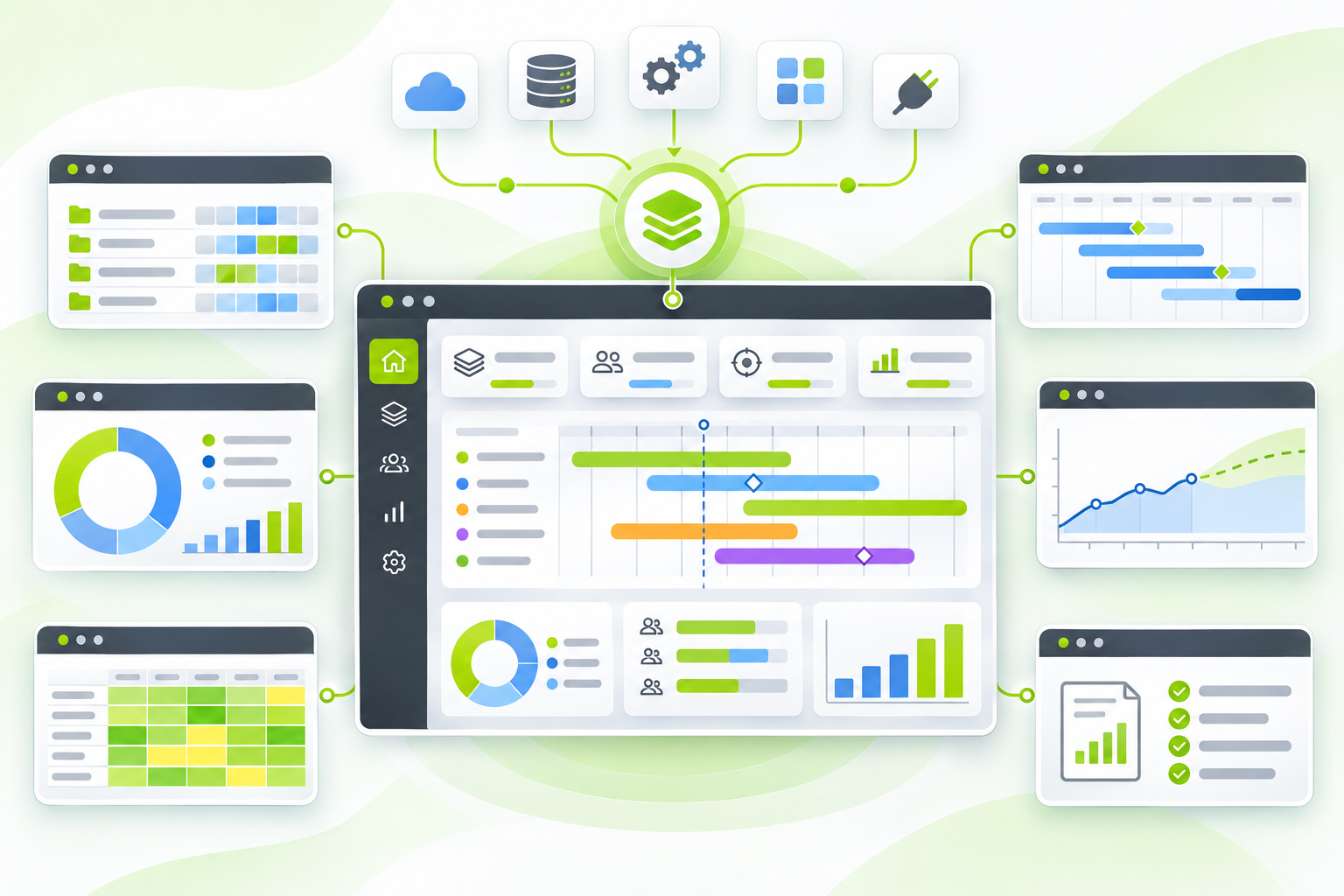
Integrated planning can connect resource information with project and portfolio decisions. Before choosing a tool, confirm what data can be imported, which existing systems connect, and how access and updates are managed.
More informed resource forecasting
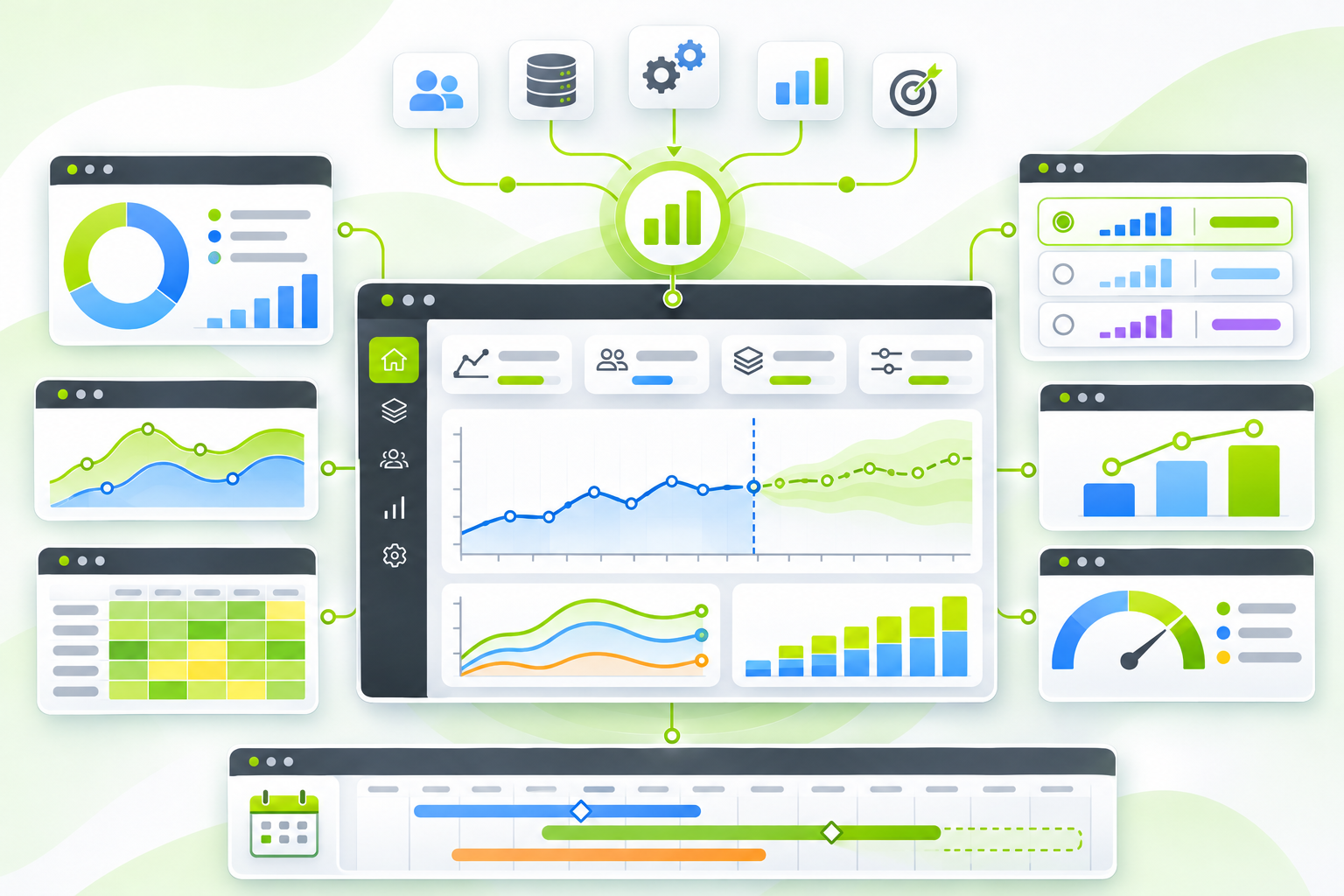
Forecasts help teams compare expected demand with available people and skills. Reliable projections also depend on realistic estimates, current commitments and regular reviews.
Greater agility when priorities change
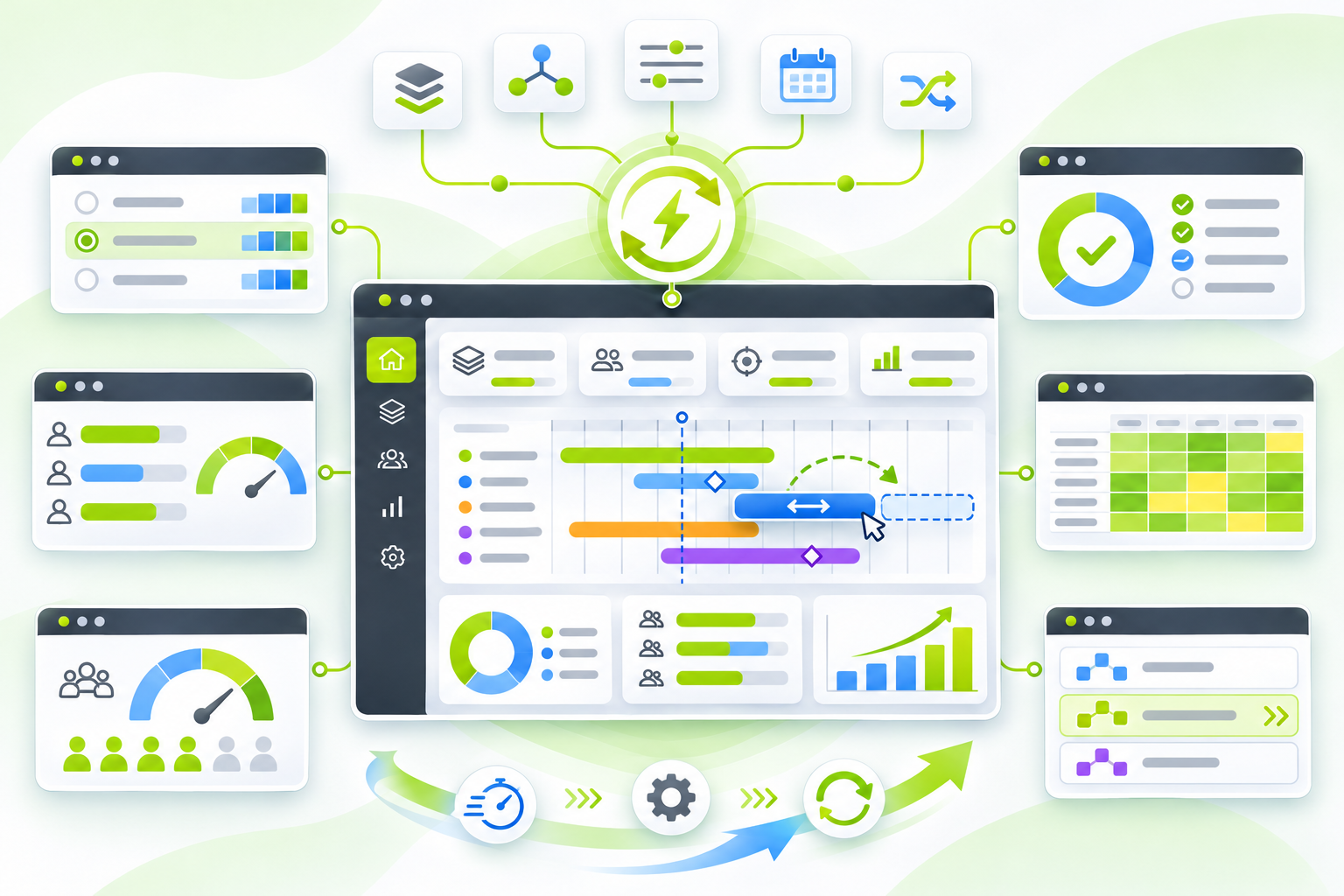
Scenario planning can show the likely effects of shifting resources or moving a project's start date. It supports decisions, but it does not eliminate trade-offs or guarantee on-time delivery.
A practical checklist for moving beyond Excel
A PMO does not need to replace every spreadsheet at once. Start with the planning problem that creates the greatest operational friction, then assess whether dedicated software meaningfully improves it.
These are editorial evaluation steps, not a claim that the 2025 webinar prescribed this exact implementation sequence.
Common PMO resource planning questions
Can Excel still work for resource planning?
Yes. A small team with limited shared resource conflicts may manage effectively with a maintained spreadsheet. More complex portfolios may need stronger collaboration, governance and forecasting capabilities.
What should a PMO evaluate first?
Start with data quality and shared visibility. A more sophisticated tool cannot compensate for unclear ownership, inaccurate availability or inconsistent assignment rules.
Does software automatically solve resource overallocation?
No. Software can help surface conflicts, compare options and support decisions. Managers still need to agree on priorities and capacity trade-offs.
Watch the On-Demand Webinar: Why Your PMO Needs More Than Excel
In this ProSymmetry webinar, Sean Pales discusses the challenges of spreadsheet-based resource management and approaches to visibility, capacity planning, collaboration and scaling. The session is presented by the vendor and should be considered alongside your organization's own evaluation criteria.
Watch the On-Demand Webinar →External ProSymmetry webinar page. Availability is controlled by the publisher.