
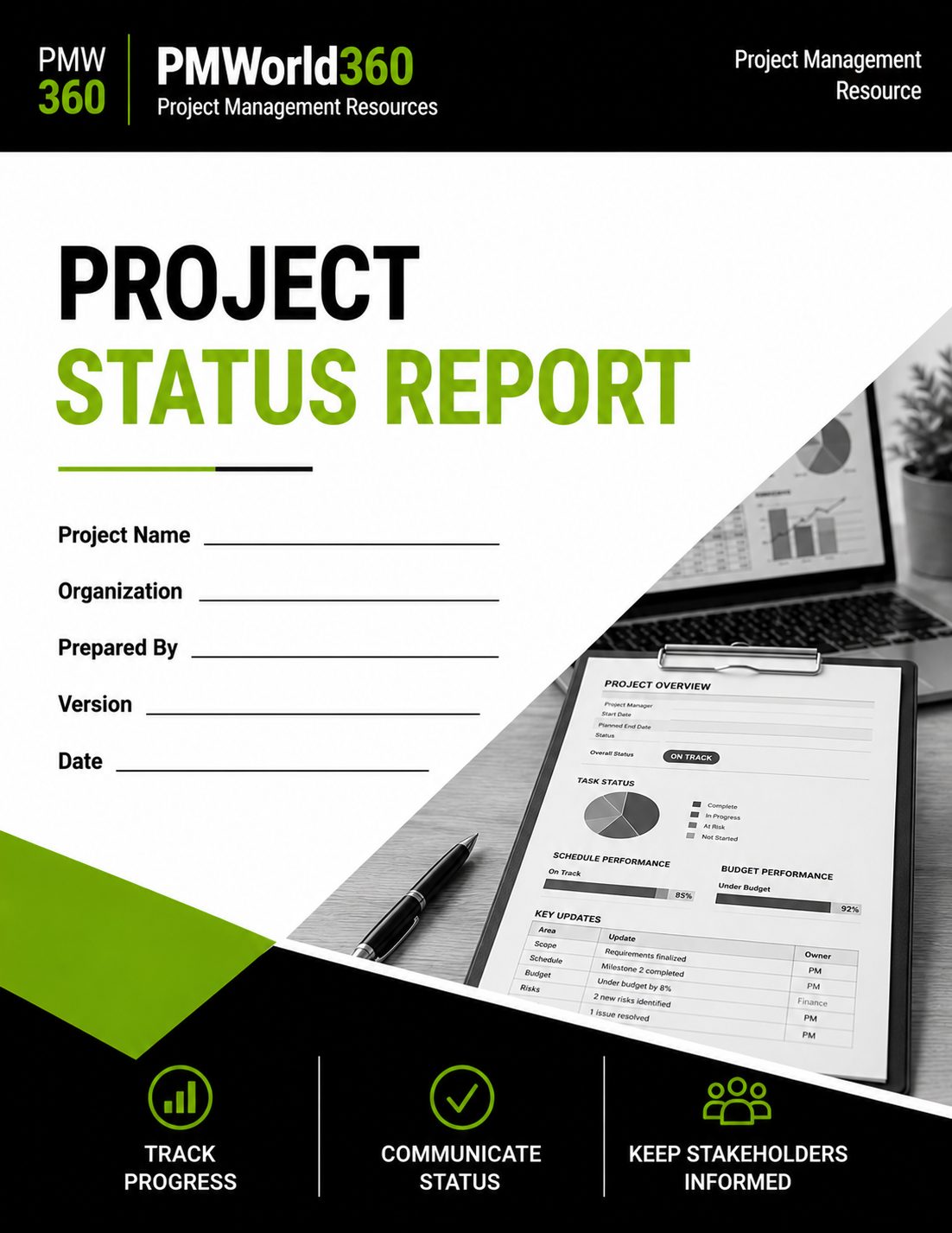
Project Status Report Template
Create an executive-ready status report with RAG health, accomplishments, milestones, forecast, budget, risks, issues, decisions and next steps.
Created by experienced project management professionals for practical, real-world project use.
$14.99 • Word (.docx) • Editable • Download within 30 days of order confirmation
What's Included in the Project Status Report Template?
Create an executive-ready status report with RAG health, accomplishments, milestones, forecast, budget, risks, issues, decisions and next steps.
Executive Summary
Summarize overall health and the key message.
RAG Health
Report status across schedule, budget, scope and other dimensions.
Accomplishments & Milestones
Show completed work and upcoming dates.
Forecast & Budget
Compare target and forecast finish and budget position.
Risks, Issues & Decisions
Surface items needing attention or action.
Next Steps
Set upcoming priorities, owners and follow-up.
Built for Practical, Real-World Project Use
This PMWorld360 template is structured around the information project teams actually need to capture, review, communicate and control—not just a blank form.
Structured & Reusable
Use a consistent framework across projects.
Built for Accountability
Connect project information to ownership and follow-up.
Designed for Governance
Support reviews, decisions and stakeholder alignment.
Project Status Report Example Snapshot
A short example shows the level of specificity the template is designed to capture.
| Template Element | Example Entry |
|---|---|
| Overall Status | Yellow |
| Reason | Data migration is two weeks behind baseline. |
| Decision Needed | Approve weekend testing window. |
| Next Step | Finalize revised migration plan by Friday. |
What Is a Project Status Report?
A project status report is a recurring update used to communicate project health, progress, variance, risks, issues, decisions and upcoming priorities.
When Should You Use This Template?
Weekly Reporting
Provide consistent visibility.
Executive Reviews
Summarize health and decisions.
Client Reporting
Communicate progress transparently.
Steering Committees
Support governance discussions.
At-Risk Projects
Make variance and escalation visible.
Closeout
Summarize final outcomes.
Who Is This Template For?
Project Managers
Prepare structured updates.
Sponsors
Review health and decisions.
PMO Teams
Standardize reporting.
Stakeholders
Understand progress and next steps.
What Should a Project Status Report Include?
Reporting Period
Date range and report owner.
Overall Health
RAG status and summary.
Accomplishments
Progress since last report.
Milestones & Forecast
Target dates and variance.
Budget / Risks / Issues
Current concerns.
Decisions & Next Steps
Leadership asks and upcoming actions.
Project Status Report Fields Explained
These are the core information areas represented in this PMWorld360 template.
| Field / Section | What You Record | Purpose |
|---|---|---|
| Reporting Period | Date range and report owner. | Supports consistent project use and decision-making. |
| Overall Health | RAG status and summary. | Supports consistent project use and decision-making. |
| Accomplishments | Progress since last report. | Supports consistent project use and decision-making. |
| Milestones & Forecast | Target dates and variance. | Supports consistent project use and decision-making. |
| Budget / Risks / Issues | Current concerns. | Supports consistent project use and decision-making. |
| Decisions & Next Steps | Leadership asks and upcoming actions. | Supports consistent project use and decision-making. |
How to Use the Project Status Report Template
Complete the template using current project information, review it with the people accountable for the work, and keep it updated whenever approved project information changes.
Set the Reporting Period
Define dates covered.
Assess Overall Health
Use evidence.
Summarize Accomplishments
Highlight meaningful progress.
Update Milestones and Forecast
Show date changes.
Review Budget, Risks and Issues
Surface material concerns.
Call Out Decisions Needed
Make asks explicit.
Set Next Steps
Document priorities and owners.
Project Status Report Best Practices
Use the same structure each cycle.
Status colors need evidence.
Focus on what moved.
Do not bury leadership asks.
Common Project Status Report Mistakes to Avoid
Summarize; do not duplicate the schedule.
Support status with facts.
Transparent reporting builds credibility.
Status should guide action.
Project Status Report Template Format and Download
The product is provided as an editable Word (.docx) file designed for practical project-management use.
| Template Feature | Included |
|---|---|
| Editable file | Word (.docx) |
| PMWorld360 professional structure | Yes |
| Reusable for future projects | Yes |
| Download access after purchase | Download within 30 days of order confirmation |
Get the Project Status Report Template
Create an executive-ready status report with RAG health, accomplishments, milestones, forecast, budget, risks, issues, decisions and next steps.
$14.99Related Project Management Templates
Project Management Plan Template
Govern scope, schedule, cost, risk, communications and change.
Risk Register Template
Identify, assess and manage project risks.
RAID Log Template
Track risks, assumptions, issues and dependencies.
Communication Plan Template
Plan stakeholder communication and engagement.
Stakeholder Matrix Template
Analyze influence, interest and engagement.
More Tools & Resources for Project Managers
Learn How to Use the Project Status Report
See how to complete the template correctly and use it as part of practical project planning, governance and delivery.
Read the Project Status Report How-To GuideChoose the Project Status Report or Full PM Toolkit
Template Kit Includes Top 10 Core PM Templates