
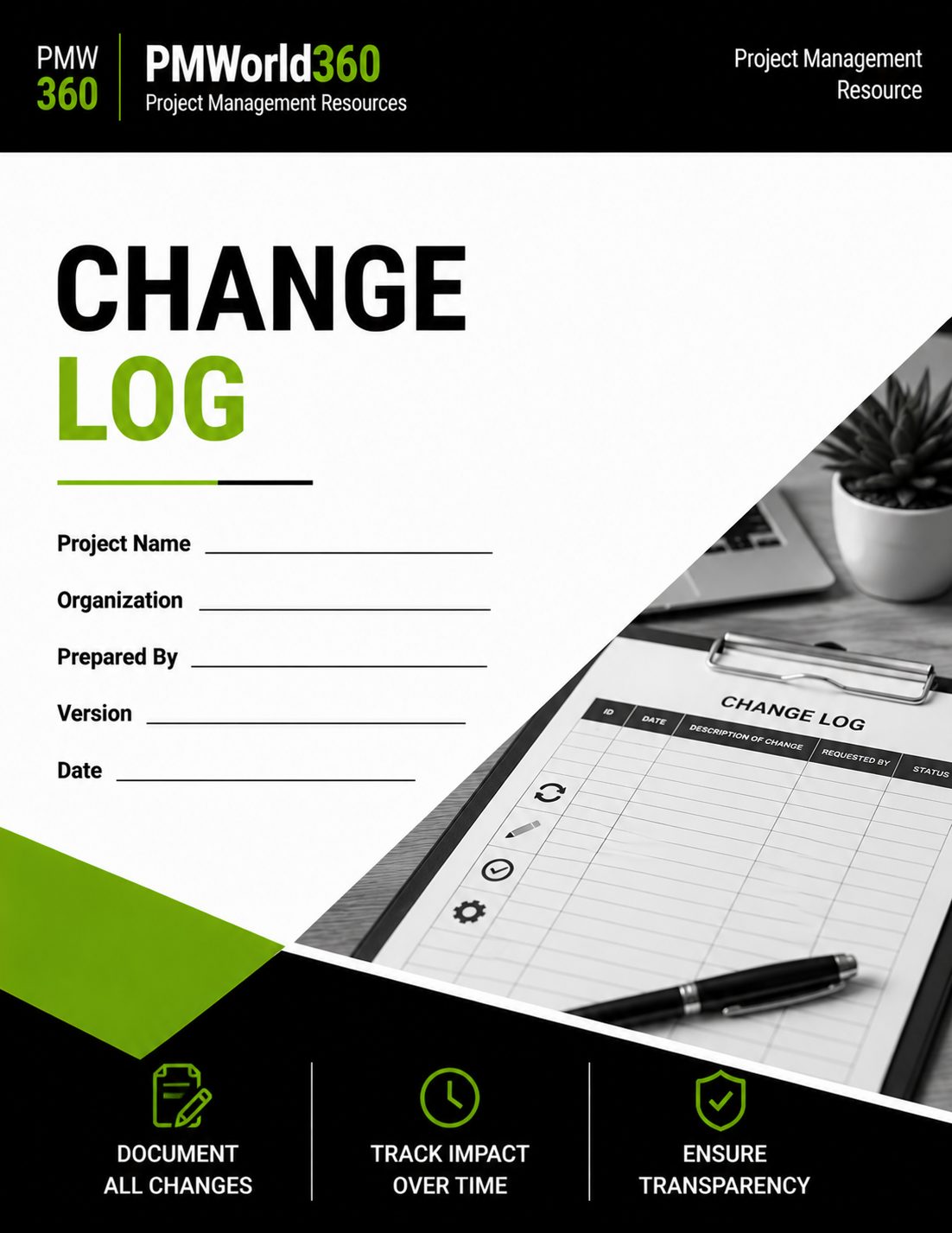
Project Change Log Template
Track, evaluate, approve and close project change requests in one structured Excel change log. Document business need, scope, schedule and cost impacts, ownership, priority, decisions, implementation, validation and closure while maintaining a clear change-control record from request through completion.
Created by experienced project management professionals for project managers, PMOs, sponsors and Change Control Boards that need more than a basic change-request list.
$12.99 • Editable Excel workbook • 3 purpose-built worksheets • Download within 30 days of order confirmation
What's Included in the Project Change Log Template?
The downloadable Excel workbook contains three purpose-built worksheets: a management dashboard, the detailed Change Log register, and a separate Approval & Closure record.
Change Log Dashboard
Summarizes total requests, open requests, pending approvals, approved and rejected changes, Critical/High items, overdue decisions, and overdue implementations.
Request & Business Context
Track Change ID, date submitted, requested change/title, requester, change type, priority, and the business need or expected benefit.
Project Impact Assessment
Record scope impact, schedule impact, cost impact, combined resource/quality/risk impact, and a numeric impact score from 1–24.
Ownership, Decision & Status
Assign an owner, set the decision due date, record the decision and current status, and track the target implementation date.
Validation & Closure Tracking
Capture validation or acceptance information and the final closed date directly in the Change Log.
Approval & Closure Record
Document decision date, decision, approver or CCB, conditions/rationale, implementation owner, evidence/link, validation result, closure date, and lessons or residual actions.
More Than a Basic Change Log
A basic project change log may record little more than a change description, owner and status. The PMWorld360 workbook extends that record into a more complete change-control workflow by combining detailed impact assessment, numeric impact scoring, management-level reporting, decision deadlines, implementation tracking, validation and a dedicated approval and closure record.
Assess Before You Approve
Evaluate scope, schedule, cost, and resource/quality/risk impact before a decision is finalized.
See Change Health at a Glance
Use the management dashboard to monitor open requests, pending approvals, approved and rejected changes, priority items, and overdue decisions or implementations.
Close the Governance Loop
Maintain a separate approval and closure record for approver/CCB decisions, rationale, implementation evidence, validation results and residual actions.
| Capability | Basic Change Log | PMWorld360 Template |
|---|---|---|
| Change request register | ✓ | ✓ |
| Owner and status | ✓ | ✓ |
| Business need / benefit | Sometimes | ✓ |
| Scope impact | Sometimes | ✓ |
| Schedule impact | Sometimes | ✓ |
| Cost impact | Sometimes | ✓ |
| Resource / quality / risk impact | Limited | ✓ |
| 1–24 impact score | — | ✓ |
| Decision due tracking | — | ✓ |
| Management dashboard | — | ✓ |
| Implementation tracking | Sometimes | ✓ |
| Validation / acceptance | — | ✓ |
| Separate approval & closure record | — | ✓ |
Project Change Log Example
A completed example demonstrates how project teams can document a request, evaluate its impact and preserve the decision trail.
| Change ID | Requested Change | Impact | Decision | Status |
|---|---|---|---|---|
| CR-014 | Add executive reporting dashboard | Additional reporting configuration; approximately one week of implementation work | Approved | In Progress |
| CR-015 | Move launch date forward by two weeks | Resource and testing constraints; elevated delivery risk | Rejected | Closed |
What Is a Project Change Log?
A project change log is a structured record used to document, evaluate and track requested changes throughout a project's lifecycle.
It creates a traceable history of what was requested, why it was requested, the potential impact, who owns the decision, whether the change was approved, and what happened during implementation and closure. Used consistently, the log supports formal change control, reduces undocumented scope creep and gives project managers, sponsors and PMO teams a reliable record of project decisions.
When Should You Use a Change Log Template?
Scope Changes
Track additions, removals or modifications to approved scope, requirements or deliverables.
Schedule Changes
Record changes affecting milestones, dependencies, critical path activities or deadlines.
Budget Changes
Document costs, savings, contingency use and funding implications.
Resource Changes
Capture capacity, role, skill, vendor or staffing impacts.
Stakeholder Requests
Create a transparent record of requests raised by sponsors, customers or business owners.
Governance & Audit
Maintain a decision trail for status reviews, approval/CCB decisions and project closeout.
Who Is This Change Log Template For?
Project Managers
Maintain one controlled record of requested and approved project changes.
PMO Teams
Standardize change tracking and governance across projects.
Program Managers
Identify cross-project impacts, dependencies and shared decisions.
Project Sponsors
Review business rationale, impact and decisions requiring leadership approval.
Useful Across Different Project Environments
The template can be adapted to projects where changes need to be evaluated against approved commitments, including IT and software implementations, business transformation, operations, consulting engagements, process improvement, product initiatives and other structured projects.
Teams can use the same change-control workflow whether the request involves a new requirement, altered deliverable, revised deadline, budget adjustment, resource constraint or another material change to the project baseline.
What Should a Project Change Log Include?
Request Identification
Change ID, date submitted, requested change/title, requester, change type, and priority.
Business Need & Benefit
Why the change is being requested and the value or outcome it is expected to create.
Impact Assessment
Scope, schedule, cost, and combined resource/quality/risk impact, supported by the workbook's 1–24 impact score.
Ownership & Decision Timing
Owner, decision due date, formal decision, status, and target implementation date.
Validation & Closure
Validation or acceptance result and the final closed date for the change request.
Approval Evidence
Approver/CCB, conditions or rationale, implementation owner, evidence/link, validation result, closure date, and lessons or residual actions.
Project Change Log Fields Explained
The main Change Log worksheet provides 19 fields covering the complete change-control lifecycle—from identifying a request through impact assessment, approval, implementation, validation and closure.
| Change Log Field | What to Record | Why It Matters |
|---|---|---|
| Change ID | A unique reference such as CR-001. | Creates traceability across discussions, approvals and supporting records. |
| Date Submitted | The date the proposed change entered the change-control process. | Establishes timing and helps identify aging requests. |
| Title / Requested Change | A concise description of the proposed change. | Makes each request easy to identify and review. |
| Requester | The person, sponsor, customer or business group requesting the change. | Preserves accountability and request origin. |
| Change Type | The category of change, such as scope or schedule. | Helps organize and analyze the types of changes affecting the project. |
| Priority | The urgency or importance assigned to the request. | Helps teams determine which changes require attention first. |
| Business Need / Benefit | Why the change is needed and the expected value or outcome. | Ensures decisions consider business value rather than the request alone. |
| Scope Impact | How the proposed change affects approved project scope or deliverables. | Helps identify and control scope expansion or reduction. |
| Schedule Impact | The effect on dates, milestones or delivery commitments. | Makes schedule consequences visible before approval. |
| Cost Impact | Expected increase, decrease or other budget implication. | Supports informed financial decisions. |
| Resource / Quality / Risk Impact | Effects on resources, quality expectations or project risk. | Captures consequences that may not appear in cost or schedule estimates. |
| Owner | The person accountable for progressing the change. | Prevents requests from becoming unowned or stalled. |
| Impact Score (1–24) | The template's numeric impact assessment. | Provides a consistent way to distinguish lower-impact requests from more significant changes. |
| Decision Due | The target date for approving, rejecting or otherwise deciding the request. | Helps identify overdue decisions. |
| Decision | The formal outcome of the request. | Preserves the project's approval history. |
| Status | The current lifecycle status of the change. | Shows where each request stands. |
| Target Implementation | The intended implementation date for an approved change. | Connects approval with execution. |
| Validation / Acceptance | Evidence or confirmation that the implemented change meets expectations. | Prevents implementation alone from being treated as successful closure. |
| Closed Date | The date the change request is formally completed. | Creates a clear end point for reporting and audit history. |
How to Use the Change Log Template
Work from left to right through the Change Log worksheet as the request progresses, then use the Approval & Closure worksheet to preserve the formal decision, implementation evidence, validation result and final lessons or residual actions.
Record the Request
Assign a unique Change ID and document who requested the change, when it was raised and what is being proposed.
Document the Business Need
Explain why the change is needed and the expected value or outcome.
Assess the Impact
Evaluate scope, schedule and cost impact, then document the combined resource, quality and risk impact used in the workbook.
Assign Ownership
Identify who is responsible for analysis, approval coordination and implementation.
Record the Decision
Capture the approval outcome, approver, conditions and rationale.
Implement and Communicate
Record the target implementation date for approved changes and keep the change status current as implementation progresses.
Validate and Close
Record validation or acceptance, capture supporting evidence in the Approval & Closure record, then document the final closed date and any residual actions.
Project Change Log Best Practices
Rejected requests remain part of the project's decision history and should not be deleted.
Consider scope, schedule, cost, resources and risk before authorizing work.
Every open request should have an accountable person responsible for moving it forward.
Do not let decisions happen elsewhere without updating the change log and affected baselines.
Common Change Log Mistakes to Avoid
Verbal approvals make it difficult to prove what was actually authorized.
A description alone does not show what the change means for project commitments.
The log should reflect the final outcome rather than remaining permanently open.
A change request form initiates one request; the change log tracks many requests and their outcomes.
Change Log vs. Change Request Form
| Difference | Change Log | Change Request Form |
|---|---|---|
| Purpose | Tracks multiple requests and outcomes | Submits one proposed change |
| Timing | Maintained throughout the project | Created when a specific change is requested |
| Role | Central governance record | Initiates formal review |
| Typical contents | ID, impact, owner, decision, status and closure | Request details, rationale and supporting information |
Change Log Template Format and Download
The product is an editable Excel macro-enabled workbook (.xlsm) with three worksheets designed for project change control and management reporting.
| Workbook Feature | Included |
|---|---|
| Dashboard with change-request summary metrics | Yes |
| Detailed Change Log register | Yes |
| Approval & Closure worksheet | Yes |
| Impact score field (1–24) | Yes |
| Decision, status, target implementation and validation tracking | Yes |
| Editable Excel macro-enabled workbook (.xlsm) | Yes |
| Download access after purchase | Download within 30 days of order confirmation |
Get the Project Change Log Template
Start with a comprehensive, editable project change-control record instead of building one from scratch.
$12.99Download must be completed within 30 days after order confirmation.
Related Project Management Templates
Risk Register Template
Track project risks, owners, impact and mitigation actions.
RAID Log Template
Manage risks, assumptions, issues and dependencies in one log.
Project Status Report
Communicate progress, risks, decisions and approved changes.
Project Scope Template
Define approved scope and identify when a requested change affects it.
Project Issues Tracking Template
Track project issues, ownership, impact, resolution actions and status alongside change-control work.
All Project Management Templates
Browse planning, procurement, monitoring and reporting templates.
More Tools & Resources for Project Managers
Free PM Calculators
Estimate timelines, ROI, budgets and project performance with practical calculators.
Explore Calculators →Software Reviews & Comparisons
Compare project, HR, accounting and business software for your team.
Compare Software →Project Management Job Board
Find project management roles or recruit experienced project professionals.
Visit Job Board →PMWorld360 — The Go-To Source for Everything Project Management. Trusted Since 2016.
Learn How to Use a Project Change Log
See how a change log fits into day-to-day project control, including when to use it, how to assess requests and how to keep change decisions traceable.
Read the Change Log How-To GuideLearn More About Project Change Management
Understand how project changes should be submitted, evaluated, approved, communicated and controlled.
Read the Change Management GuideChoose the Change Log or Full PM Toolkit
Download the standalone Project Change Log Template or get the full PMWorld360 project management template toolkit.
Template Kit Includes Top 10 Core PM Templates